 Datepace
Turn matches into dates.
Datepace analyzes your dating conversations, tracks the momentum, and tells you what to do next.
Read the momentum. Know the next move.
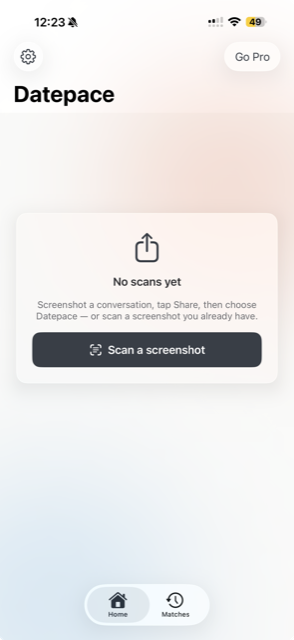
Every conversation has momentum.
Datepace looks at how a conversation is changing — not just the last message.
Dating shouldn't require a group chat analysis.
Datepace gives you the read.
How it works
Screenshot the conversation
From any dating app — Tinder, Hinge, Bumble, it doesn't matter.
Share it with Datepace
Use the share sheet, or scan a screenshot you already have.
Know your next move
Get a momentum score and one clear recommendation — not a menu.
Not 20 AI replies.
One next move.
01 — Know where you stand
Stop trying to interpret every message.
Is it heating up, or are you carrying the conversation alone? Datepace scores the momentum so you don't have to guess.
02 — Know the next move
One clear recommendation, every time.
Ask a question. Propose a time to meet. Or know when it's time to walk away — Datepace decides which one fits, so you don't have to weigh a menu of options.
03 — Say it like yourself
Get the idea. Keep your personality.
Suggestions adapt to the tone already in your conversation — not something that suddenly sounds like a chatbot.
04 — Track your matches
Watch every conversation develop.
Save a match under a nickname and see how momentum trends across every scan — so you know who's actually worth your time.
Your screenshots stay yours.
Privacy isn't a footnote here — it's how Datepace is built.
Screenshot stays on your iPhone
Datepace extracts the conversation text on-device. The image itself is never uploaded anywhere.
On-device AI when available
Supported iPhones analyze the conversation fully on-device using Apple Intelligence — no server round trip.
You stay in control
When cloud analysis is needed, Datepace asks first — the extracted text is discarded right after your result.
Questions
Does Datepace work with Tinder, Hinge, and Bumble?
Yes — Datepace works with a screenshot from any dating app. It reads the text in the image, not the app itself.
Does Datepace send messages for me?
No. Datepace gives you a suggested reply that you can copy and send yourself — nothing is ever sent on your behalf.
Does Datepace upload my screenshots?
No. The screenshot image never leaves your phone. Text is extracted on-device using Apple's Vision framework.
Does it work with conversations in other languages?
Yes. Conversations in another language are translated on-device, and suggested replies come back ready to send in your match's language.
Is Datepace free?
Yes, with a free tier for on-device analysis. Datepace Pro adds match history, a weekly digest, and cloud analysis on every device, as an auto-renewing subscription.
Can Datepace remember my matches?
With Datepace Pro, you can save a match under a nickname and track how momentum trends across every conversation you have with them.
Does the other person know I'm using Datepace?
No. Datepace only reads a screenshot you already have — there's no integration with any dating app, so nothing is visible to anyone else.
Still wondering what you should say?
You already have the match. Datepace helps you make the next move.
Download on the App Store